-

- add
-

CanvasFlip + Sketch
Sync artboards in Sketch with your CanvasFlip projects directly.
Build faster and better with CanvasFlip and Sketch

How To Use
Build better prototypes with Sketch and CanvasFlip
1. Download and Install the Plugin
Unzip the plugin and double click on the “CanvasFlip.sketchplugin” file to get started.


2. Create designs in Sketch & Sync them with CanvasFlip
Unleash your imagination with Sketch. Create beautiful interface and simply sync these artboards to the CanvasFlip studio.
3. Build prototypes on CanvasFlip
Simply drag and drop hotspots to create functional prototypes in minutes.

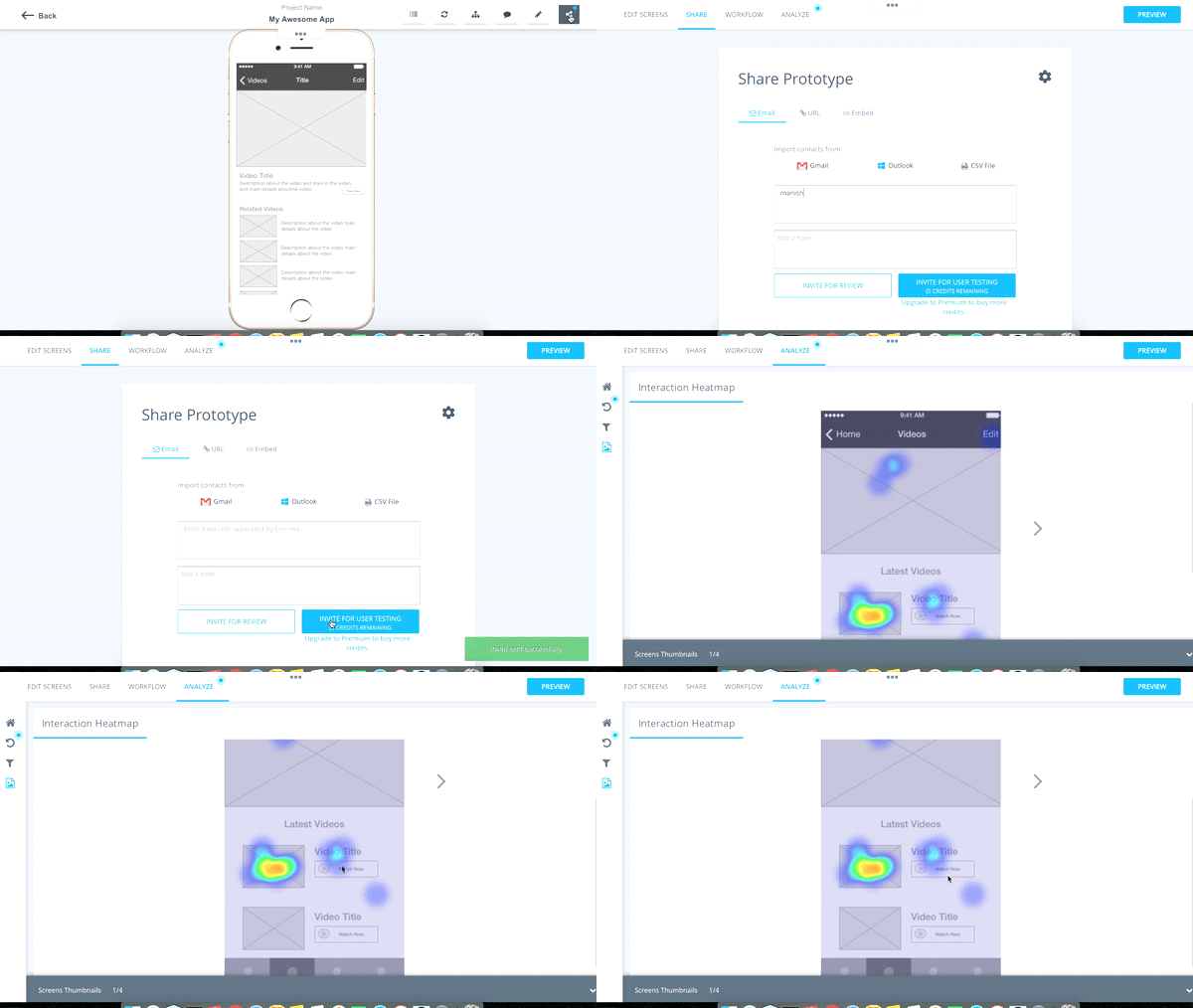
4. Get actionable feedback on UX from real users
To ensure higher engagement and conversion rate right from the design phase, get feedback from team members, clients and real users
5. Iterate
Based on the UX feedback from CanvasFlip, modify your designs in Sketch. Woohoo! Every change is synced to your CanvasFlip account.

Wireframing kit
Collection of all primary symbols you need to create professional and elegant iOS wireframes

Try unlimited prototyping & user testing FREE for 14 days
By clicking "Get Started" I agree to CanvasFlip's Terms of Use
-
User Testing
-
Prototyping
-

-
Share
-
Useful Links
- Prototyping With Sketch
- Who Uses CanvasFlip
- Android App
- iPhone App
- Dribbble
- Inspire
- Blog
- Request A Demo
Pss.. Try All Premium Features "FREE" For 14 Days !

Want to find out more? Take a quick tour!!